Scan skills
Last updated 7 November 2026
For anyone who loads skills into agents and wants each one checked before it runs. At the end you will have added a skill from a zip file, a public repository, skills.sh or a plugin marketplace, read its curation score and state on the Skills page, and know when Spellwarden checks it again.
Plans: Team and Enterprise
What a skill scan checks
A skill is a directory that holds a SKILL.md file and every file below it. A scan reads all of those files, runs the skill package rules on them and records each match as a finding with its rule id, severity, file and line, and a short piece of evidence. Evidence is cut to a few hundred characters and anything shaped like a credential is masked.
Spellwarden has 65 rules in all. The 20 skill package rules are the ones a skill scan runs; the rest check MCP servers, configuration files, the private registry and A2A agent cards. Scanner rules lists each of them with its severity. 3 of them are malicious indicators: SW-SKL-004, SW-SKL-008 and SW-SKL-032. Their effect is described under Curated and Quarantined below.
If your organisation has written its own rules for skills, the scan runs them in addition to the baseline. Rules, policy packs and exports explains how they are written and switched on.
Each scan ends in one of four states: Passed, Failed, Incomplete or Error. Failed means at least one open finding is critical or high. Incomplete means an organisation rule did not run to the end, so the result does not count as clean. Error means the scan could not run, for example because the source could not be fetched.
Owners, managers and members can add and rescan skills. Viewers can read every page but cannot start a scan.
Open the Skills page in the live demo
Add a skill
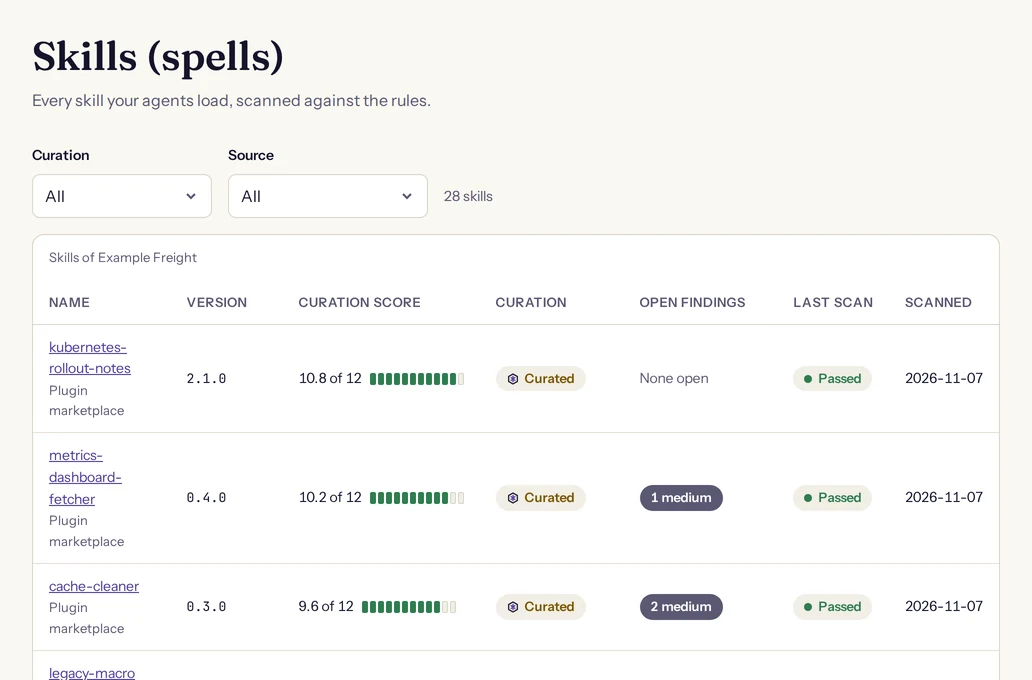
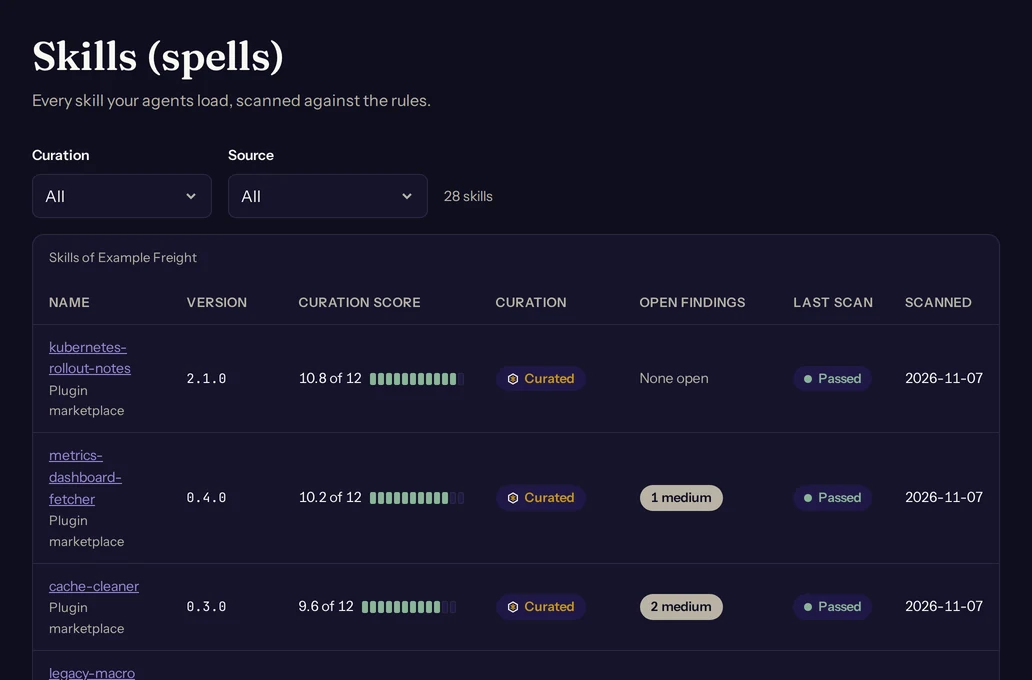
Open the Skills page, choose Scan a skill and pick a source. The scan starts when you confirm, and you land on the skill's page, where the scan shows as running until it finishes. Adding a source that is already in the organisation does not create a second skill: it scans the existing one again.
From a zip file
Choose a zip file of 5 MiB or less. Zip the skill directory itself, with SKILL.md at its top or inside a single top-level folder. Your browser sends the file straight to Spellwarden's storage and the scan reads it from there. The skill takes its name from the SKILL.md frontmatter.
An uploaded skill has no upstream to read again, so its page offers Upload a new version in place of Scan again. A new zip scans under the same skill and keeps its history.
From a public repository
Give the address of a public repository on GitHub or GitLab, in the form https://github.com/owner/repo. Spellwarden fetches over HTTPS only, and only from github.com and gitlab.com. Two optional fields narrow the source:
- Branch, tag or commit: leave it empty for the default branch on GitHub and main on GitLab. Use a commit when you want the scan to stay on one version.
- Path inside the repository: the directory that holds the skill. Leave it empty when SKILL.md sits at the root. With a path, the skill is that directory only, and a change elsewhere in the repository does not change it.
Spellwarden downloads the repository's archive, at most 20 MiB, and reads the skill from it. A very large repository therefore cannot be scanned from its address; zip the skill directory and upload it instead.
From skills.sh
Choose the skills.sh listing source, paste the skills.sh listing address (it starts with https://skills.sh/) and fill in the repository fields as above for the repository that holds the skill. Spellwarden scans the skill from its repository and records the listing it came from with the source.
From a plugin marketplace
Give the address of a Claude Code marketplace file, the marketplace.json of a GitHub or GitLab repository. Use the raw file address, or a GitHub page address for the file, which Spellwarden rewrites to the raw one. This is an import: Spellwarden reads the file, lists its plugins and starts one scan for each skill it finds.
- A plugin in a directory of the marketplace's repository: if the directory holds SKILL.md it is one skill; otherwise each skills/<name> directory with a SKILL.md is a skill.
- A plugin that points at a GitHub repository is scanned at the commit the marketplace pins, else at its ref, else at the default branch, as Claude Code would load it.
- Skills appear in the list as their scans run, so refresh the Skills page and wait for the last scan to finish.
The marketplace file may be at most 1 MiB, and one import starts at most 50 skills.
Limits the code enforces
| Limit | Value |
|---|---|
| Zip file you upload | 5 MiB |
| Repository archive Spellwarden downloads | 20 MiB |
| Files in one archive | 2000 |
| All files of one archive, unpacked | 50 MiB |
| One file of an archive | 10 MiB |
| Skills in one organisation | 2000 |
| Scans one organisation starts in a day | 500 |
| Findings one scan keeps | 500; the page says how many more were not listed |
The archive limits apply to the whole archive, a repository's included, and not only to the skill directory inside it.
When a scan does not start or ends in an error
| What you see | What to do |
|---|---|
| Use a public GitHub or GitLab URL. | Check the address: https, github.com or gitlab.com, and a public repository. |
| Spellwarden could not fetch it. | Open the address in a browser while signed out. A private repository, a wrong ref or a path that does not exist ends here. |
| The package is larger than the limit. / The package has more than 2000 files. | Zip only the skill directory, and leave build output and dependencies out. |
| The archive contains a symbolic link. / The archive contains a path Spellwarden refuses. | Replace links with real files and use plain relative paths without .. segments. |
| The file is not a valid zip archive. / The archive is empty. | Create the zip again from the skill directory. |
| The document is not in the expected format. | The SKILL.md frontmatter, or the marketplace file, could not be read. Check that the frontmatter is valid YAML between two lines of three dashes. |
| A scan of this target is already running. | Wait for the running scan to finish. |
| This organisation has reached 2000 skills. | Remove skills you no longer use. |
| This organisation has started 500 scans today. Try again tomorrow. | Wait until the next day, or scan fewer sources at once. |
| This organisation is read-only until billing is added. | The scan buttons are disabled until billing is set up. See Plans and billing. |
The first column quotes the sentences the dash shows. The scan history on a skill's page lists its recent scans with their state and the reason for an error.
Versions are pinned by hash
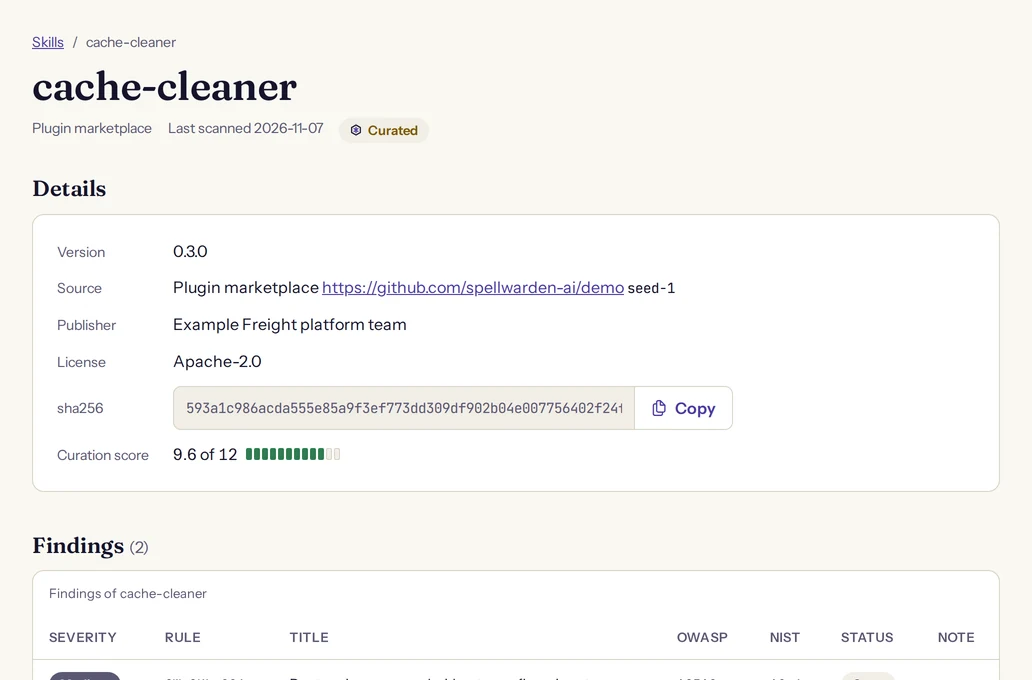
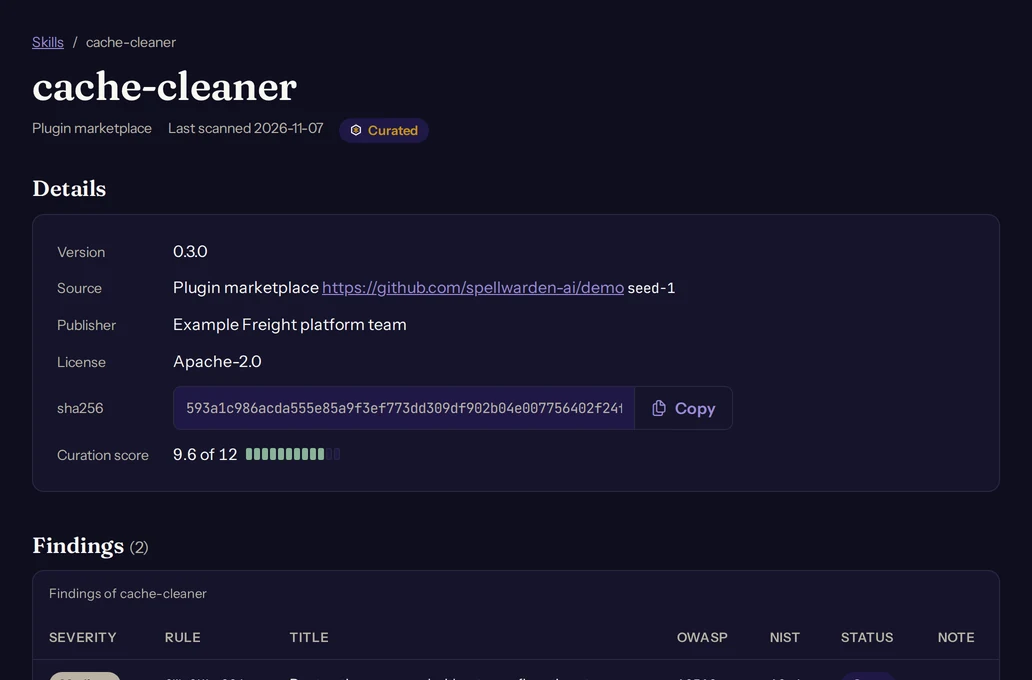
Each scan records the sha256 of the package it read, and the skill's page shows it next to the version, source, publisher and license from the SKILL.md frontmatter. The hash covers every file path and its content in sorted order, so it is the same however the zip was made and it changes when any file changes. For a skill in a repository directory, it covers that directory only.
A scan also records the rules version and the scanner version it ran, and the scan history on the skill's page shows the rules version of each scan, so you can tell a change in the skill from a change in the rules.
Findings keep their identity from one scan to the next: a fingerprint of the rule, the path and the matched text. A finding you accepted stays accepted while the match stays the same, and a later scan reopens it if the match changes. Accept a finding describes the note an accept needs. The private registry uses the same package identity to tell one version of a skill from another.
The curation score
Every scanned skill gets a curation score from 0 to 12, with one decimal. It is shown as a number out of 12 with a bar on the Skills page and on the skill's page. The scanner computes it from three parts:
12 x (0.6 S + 0.2 M + 0.2 E)- S, the severity part, is 1 less the weight of the findings divided by 12, and never below 0. Each open finding weighs what its severity says in the table below. An accepted finding weighs half.
- M, the metadata part, is the share of the 5 metadata fields the skill has: name, description, version, license, publisher.
- E, the evaluation part, is 0.5 until evaluation results count towards the score, and today they do not, so E is fixed at 0.5.
| Severity | Weight |
|---|---|
| critical | 6 |
| high | 3 |
| medium | 1 |
| low | 0.25 |
Because E is fixed, the best score a skill can reach today is 10.8: no open finding and all 5 metadata fields present. Add a license and a version to the frontmatter and fix or accept the findings to move a skill towards it. Findings someone reports by hand on the skill's page count the same way as findings from rules.
Curated and Quarantined
The Skills page marks each skill as Curated, Not curated or Quarantined, and the Curation filter on the page lists each group.
Curated
A skill is Curated when all of these hold:
- it has a score of 8 or more;
- it has no open critical or high finding;
- it is not Quarantined;
- its latest scan is complete, not Incomplete.
Quarantined
A skill is Quarantined when it has any open finding from a malicious-indicator rule. Quarantine is a mark on the skill, not a block on your agents: it shows in the Skills list, it is written to the organisation's audit log, the skill cannot be Curated, and a private registry never admits it.
To lift it, remove the cause and scan again, or accept the finding with a note. A finding from a malicious-indicator rule can be accepted only by a manager or an owner; members see a sentence that says so. Once the finding is accepted it no longer counts as open and the skill leaves quarantine at once.
Weekly rescans
Spellwarden fetches each skill from a repository, skills.sh or a plugin marketplace again every 7 days, so a change to the source is checked without anyone asking. A daily job looks for skills whose last scan is older than 7 days, oldest first, and starts at most 50 scans for an organisation in one run.
- Uploaded skills are not fetched again, because there is nothing upstream to read. Upload a new version when the skill changes.
- A skill that is being scanned at that moment waits for the next run.
- An organisation that is read only because of billing is not rescanned. See Plans and billing.
- Servers with an endpoint are checked again on the same schedule. See Check MCP servers and plan their migration.
A rescan is an ordinary scan that the system starts, and the audit log records it as such. If the source changed, the skill has a new hash and may have new findings, a new score and a new state. For a change you want checked now, use Scan again on the skill's page. Plans and billing lists what each plan includes.
Scanning locally with the open-source scanner
The same rules run on your machine through the open-source scanner. It needs Python 3.11 or newer. Run it without installing anything:
pipx run spellwarden scan .Or install it and run it from the repository you want to check:
pip install spellwarden
spellwarden scan .
The scanner finds every directory that holds a SKILL.md in the files git tracks, runs the skill package rules on each and exits with 0 when nothing at or above high severity is left, 1 when findings fail the run and 2 when the scan was incomplete or invalid. Open-source scanner, CI wrappers and Infra Pack covers settings, the baseline file and the CI wrappers. To run the scanner on every pull request, read Scan in CI with GitHub or GitLab.